Looking an expert team?  +91-74286 23211
+91-74286 23211  sales@semreseller.com
  Mon-Fri 9:30 - 6:30
+91-74286 23211 sales@semreseller.com Mon-Fri 9:30 - 6:30
Mon-Fri 9:30 - 6:30
+91-74286 23211 sales@semreseller.com Mon-Fri 9:30 - 6:30 Whitepages is a commonly known as an online directory that collects your personal information, such as name, address, contact number, and other public record. This is a robust platform which offers several benefits such as providing a fair interface for reconnecting with people thereby maintaining privacy concerns for individuals who prefer to keep their information private. Basically, Whitepage is a public forum that can be widely used by individuals for various purposes relating to the business or even finding someone. While uploading your personal details to such open websites, it becomes available online and accessible to all which can lead to a major threat, especially in today's time when online scams are on peak.
Thankfully, Whitepages gives you an option to remove your listings from their website. So, if you are much concerned about your privacy, it is recommended to go through the opt-out process of white pages, which would remove your listings for free from their database. Once you reach their website, you will get two kinds of profiles there, one is free, and the other is for premium users. The information that are available for free on white pages are visible to everyone and can be a major concern to those who like privacy. So why not go ahead and remove your listing on white pages in some quick, simple steps through SEMReseller.com? This blog will help you secure your details from anyone misusing of your personal information. You just need to follow the given simple steps to remove your listing.
Before starting the removal process it is recommended to go to whitepages.com website and understand what type of information Whitepages lists such as
Once you reach the Whitepage website, you need to type your basic details such as :
On clicking the search icon, white pages will search for your information such as
Check the profile and information carefully. Once you are confirmed, you may click on the remove me button to proceed further.
This is a final step for affirmation by Whitepages that involves:
As you follow these steps, you may have your online privacy maintained and as a result you can minimize the exposure of your personal information on Whitepage databases. In order to retain online protection, consistent monitoring of similar directories and repeat opt-out processes are highly recommended.

Digital Marketing Specialist at SEMReseller

Have you once thought about how precisely Google could determine the information you were seeking even if your search was somewhat unclear or used non-standard words? It almost feels like the search engine is tapping into your thoughts!

The secret of getting a good position on Google does not only involve great content. You may have the best post but if it is hosted on a slow-loading server, it will not get traffic from Google searches, nor will any user wait for it to load.

Business successes rely on conversions no matter what stage of operation your company currently has. Your upgrading techniques for conversions can boost your ability to capture target clients.
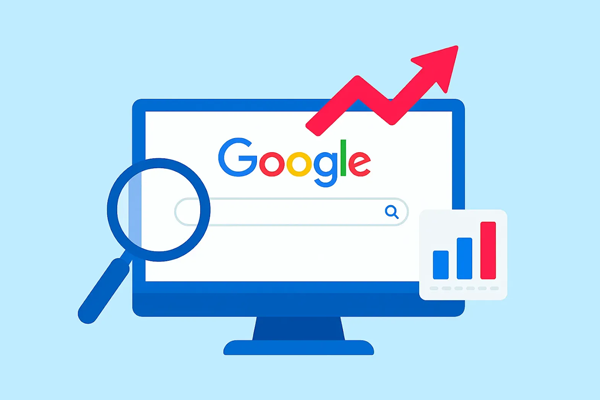
Have you ever had the feeling that your website is the world's largest library hidden? Amazing content has been written, a stunning site has been designed, and you know very well that the information is needed by people. But when you do a Google search for it, it's not there. Annoying, isn't it?

Everybody is familiar with the traditional game of SEO (Search Engine Optimization). First, you do keyword research, then write a post, create some backlinks, and finally pray that Google becomes aware of your existence. It seems like a drive with a map and hoping you wouldn't get missed at any point.
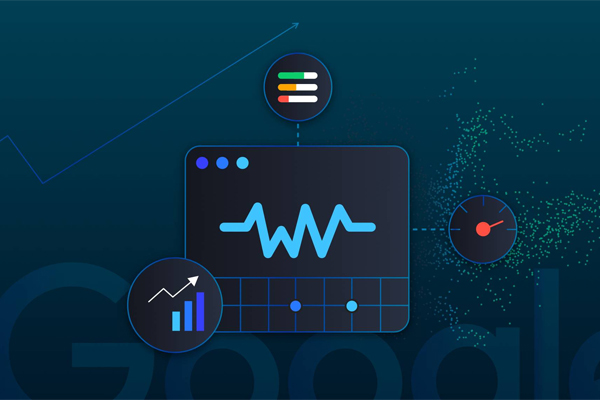
As soon as a Google user clicks to your website a clock starts to tick. If your site is slow or the text keeps moving while the user is reading or the button response at the other end is slow, then the user leaves your site. A single, irritated pressing of the "back" button means you lose traffic, interaction, and possibly even sales.

When you type a question into Google and hit Enter, you're talking to one of the world's smartest computer programs. These computer programs are called search engine algorithms, and they are the secret formula for discovering the most suitable answer out of billions of web pages.

The "Graphic Design is My Passion" meme is a funny internet joke about bad design. It started making fun of poorly designed graphics, but over time, it expanded a lot. People use this meme to joke about cringy, messy, or strange designs. The phrase reads confidently, but when combined with a terrible design, it creates a funny comparison. The meme started on Tumblr in 2014, showing a poorly drawn green frog and ugly text. It has expanded since then, inspiring many copies on the internet.

AI presents an undeniable transformation for the future of SEO by programming routine tasks. It enables researchers to boost keyword analysis and improve content efforts and performance evaluation. Yet, people continue to be essential for interpreting user needs and producing high-quality materials.

The mark of business is always that content marketing remains an ever-changing turf. Keeping track of the trends has to be a crucial factor in ensuring that customers can learn a competitive edge over other businesses. 2026 opens up multiple years for trends emerging forth in creating a new future for content marketing worldwide. For instance, this includes AI personalisation, as well as video and interactive elements.
Your email address will not be published.
Required fields are marked *
 +91-74286 23211